


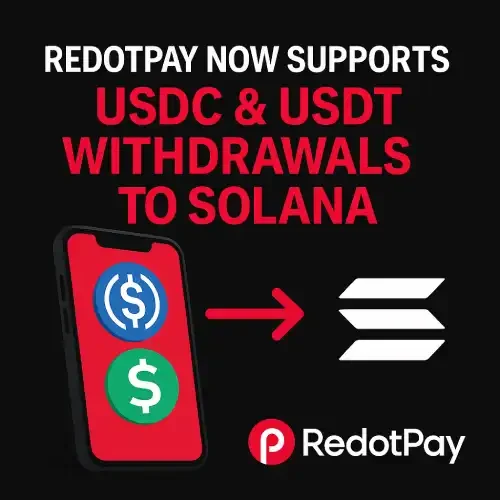
RedotPay USDC & USDT Withdrawals to Solana
RedotPay Now Supports USDC & USDT Withdrawals to Solana
Why This Matters
- Lower total cost: Solana network fees are typically a fraction of a cent—ideal for frequent or small transfers.
- Speed: Finality in seconds keeps funds moving between your wallet, P2P trades, and spending balances.
- Ecosystem access: Easily interact with Solana-based apps, marketplaces, and tools using USDC/USDT.
- Better workflows: Faster withdrawals mean quicker re-funding of cards, swaps, and payouts when timing matters.
What’s Supported
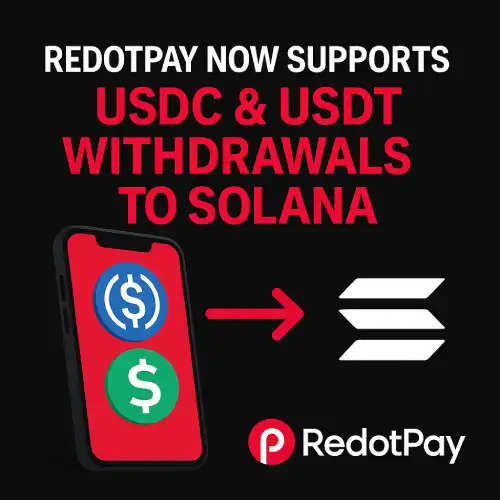
- Assets: USDC (Solana), USDT (Solana)
- Direction: Withdrawals to external Solana addresses (deposits/other networks remain available as before)
- Use cases:
- Move stablecoins to a self-custody Solana wallet
- Fund P2P trades that prefer Solana rails
- Reposition liquidity before making card top-ups or swaps
Availability can vary by region and account tier. Confirm live options in-app before sending.
How to Withdraw to Solana
- Update the app to the latest version.
- Go to Wallet → Withdraw → Select USDC or USDT.
- Choose Network: Solana (SOL).
- Paste your Solana address (starts with a 44-char base58 string).
- Enter the amount and review the network fee + any platform fee.
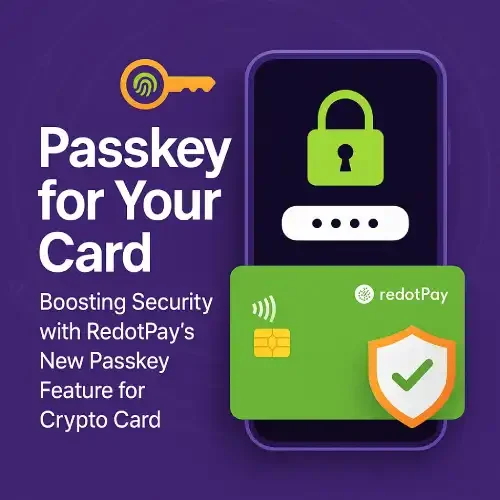
- Confirm with your security method (passkey/2FA).
- Track the status in Recent Activity; funds typically settle in seconds.
Safety tips:
- Always test with a small amount first.
- Double-check you’re using a Solana address, not an address from another chain.
- Keep a tiny amount of SOL in your external wallet for on-chain actions (if you’ll interact with apps).
Fees & Timing
- Network fee: Extremely low on Solana (varies with load).
- RedotPay fee/spread (if any): Shown before you confirm.
- Settlement time: Usually seconds; large compliance reviews can add delay.
- Total cost: Often cheaper than higher-fee chains—especially for frequent movers.
Practical Playbooks
Fast P2P
Withdraw USDT/USDC to a Solana wallet → trade via a Solana-friendly P2P marketplace → send back or spend as needed.
Card Funding Loop
Keep savings in stablecoins → withdraw to Solana for cheap repositioning → swap as needed → reload your spending balance on the app.
Micro-Transfers
Use Solana withdrawals for small reimbursements, tips, or creator payments where fees matter most.
Common Mistakes to Avoid
- Wrong network: Sending to a non-Solana address will likely result in permanent loss.
- Exchange deposit rules: If withdrawing to an exchange, check if a memo/tag is required for Solana deposits (and follow the exact format).
- Zero SOL balance: If you plan to use Solana apps, ensure your wallet has a small amount of SOL for future actions.
FAQs
Can I deposit from Solana back into RedotPay?
Check the in-app deposit tab for supported networks; availability can differ by asset and region.
Is there a minimum withdrawal?
Yes—see the in-app quote screen for the current minimums and fees.
Does this change my card limits?
No. On-chain network choice doesn’t alter your card/BIN limits or KYC tier.
Which is better for daily payments—USDC or USDT?
Both are widely used. Pick the one your counterparties prefer, or what your target app supports.
What if I sent to the wrong chain?
On-chain transfers are final. Contact support immediately, but recovery is often not possible.